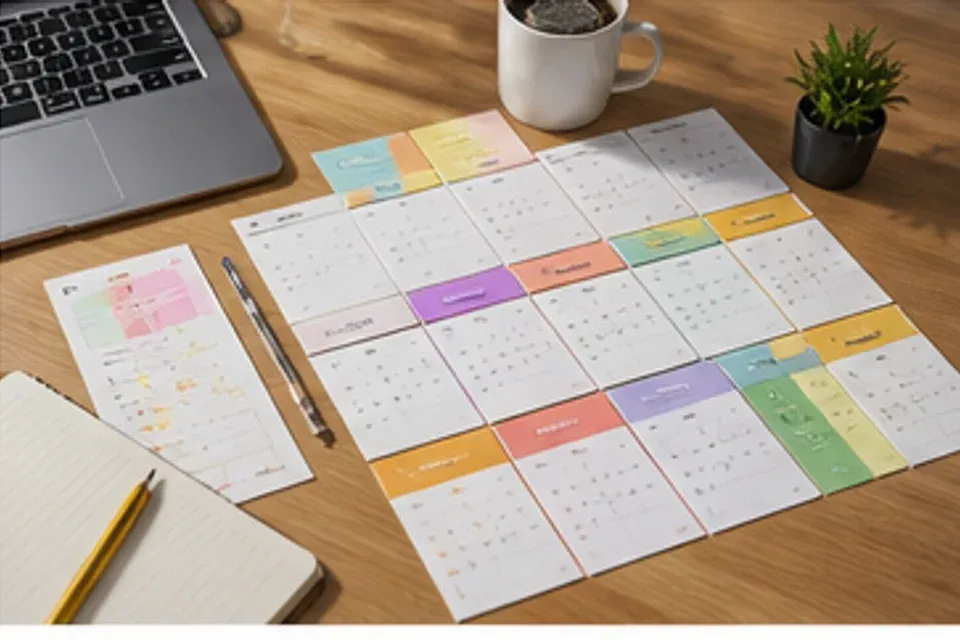
Content Planner visual 01
Content Planner
Build recurring post formats, campaign batches, thumbnails, and profile assets around the channels you actually publish to.
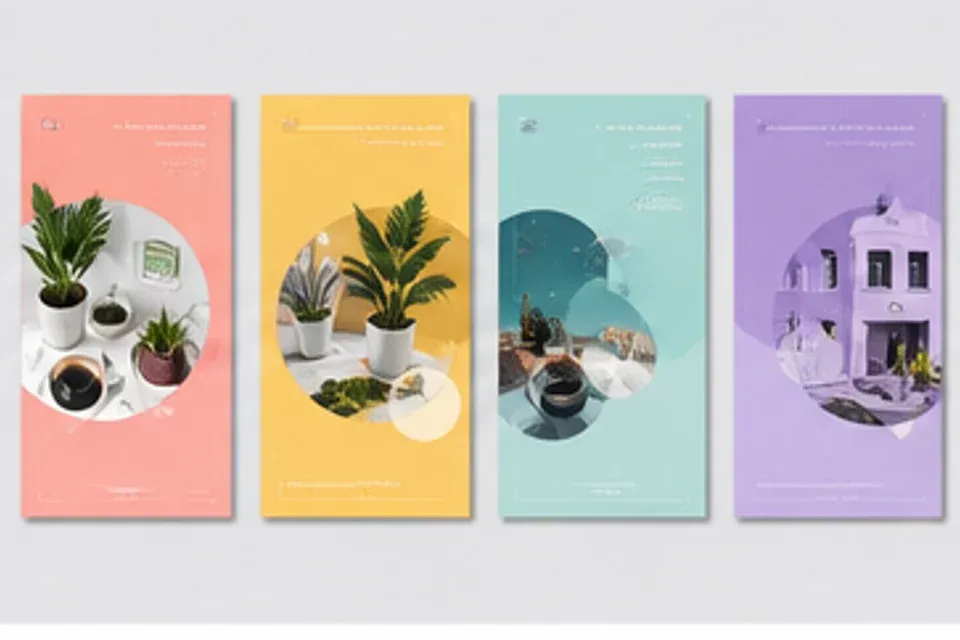
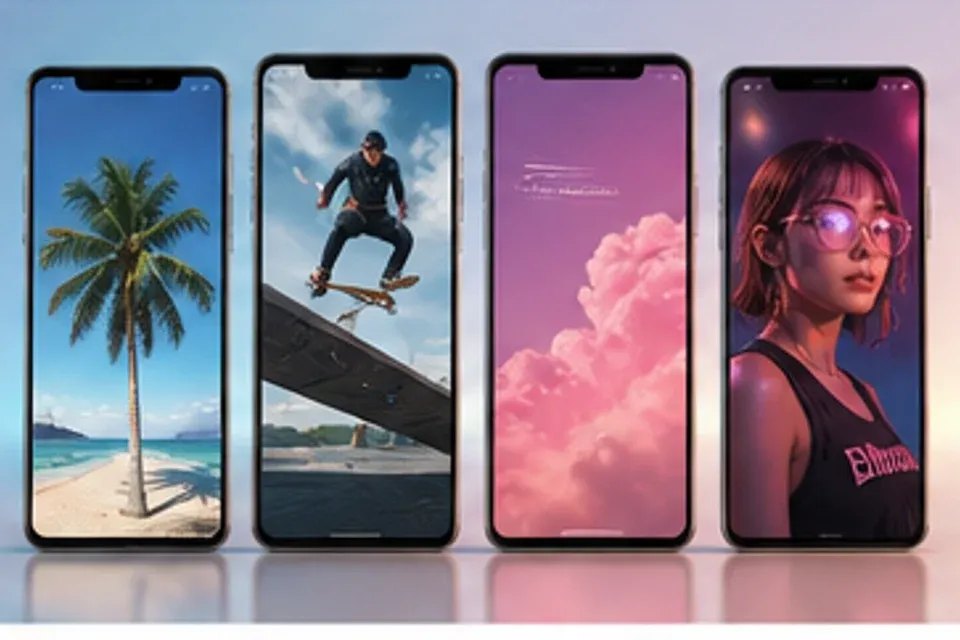
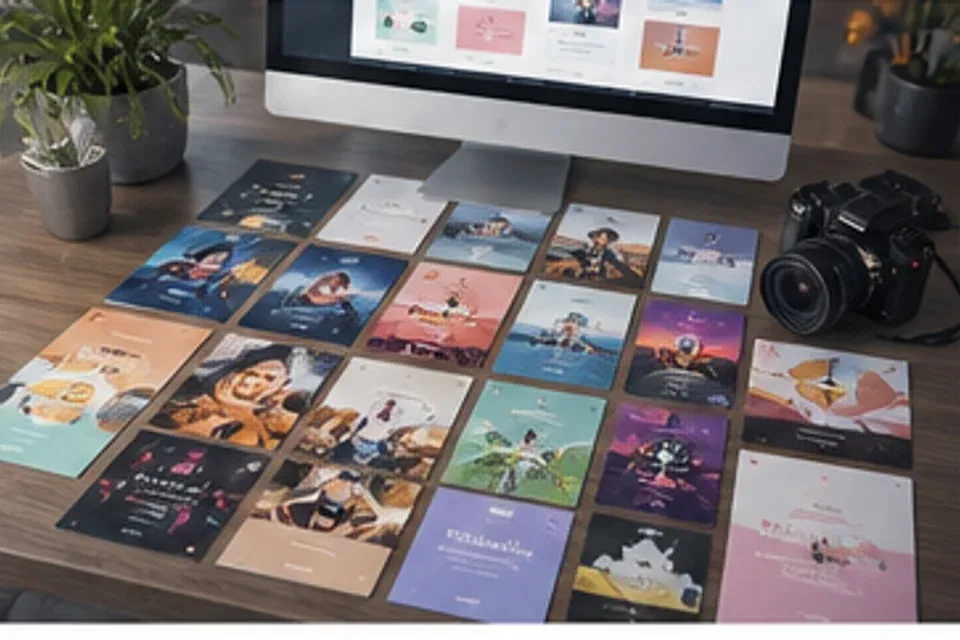
Useful themes, recognizable series, strong cover frames, and channel-specific files ready for scheduling.
Set a schedule the team can maintain through busy weeks
Turn dependable topics into recognizable post structures
Create lead frames and thumbnails that explain what follows
Adapt dimensions, pacing, captions, and calls to action by destination
Plan several useful angles, give the series a consistent visual rule, and adapt it to each channel.
Keep evergreen posts, campaign moments, recurring formats, and profile updates visible in one working schedule.
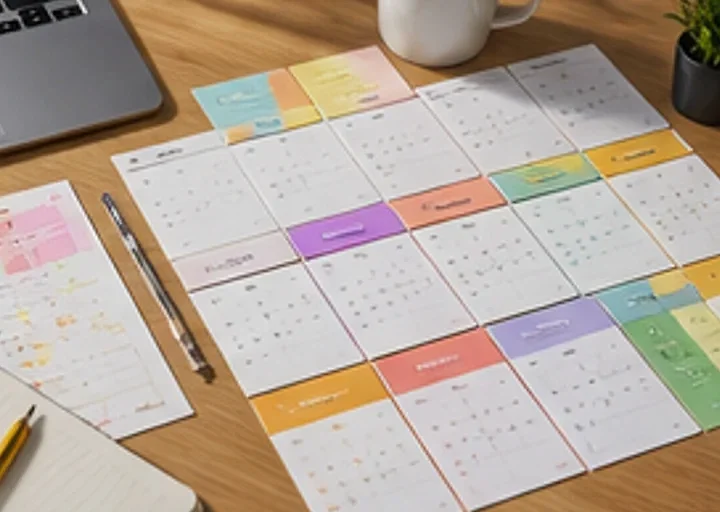
Group topics into manageable batches of posts, covers, stories, and campaign moments.
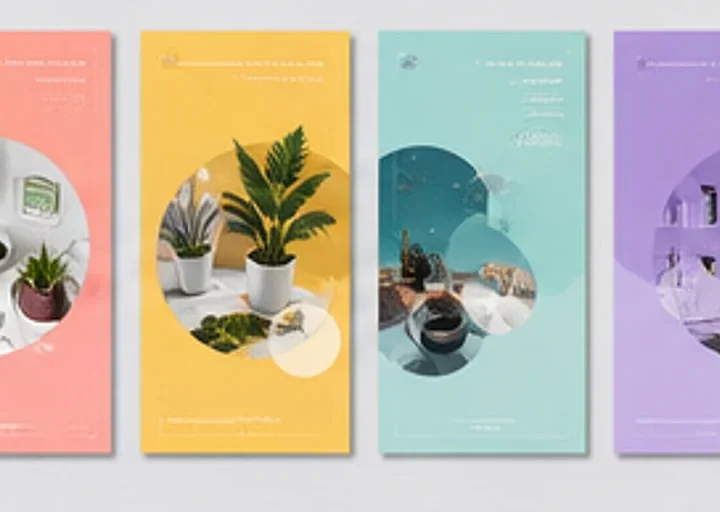
Set visual and editorial rules for tips, product updates, customer stories, and founder posts.

Adapt one idea into feed posts, vertical covers, carousels, banners, and profile graphics.
Prepare educational posts, product stories, video covers, carousels, and account graphics without rebuilding the visual system.
Prepare a grouped set of posts around a launch, offer, event, or seasonal moment.
Create clear thumbnail rules for reels, shorts, interviews, demonstrations, and clips.
Build opening slides and supporting panels around one useful takeaway.
Update banners, profile graphics, highlights, pinned posts, and recurring series covers.
Choose the content pillar, map the formats, create a practical batch, and package each item for its channel.
Start with education, product, customer proof, behind-the-scenes, or community.
Decide which ideas become short videos, carousels, feed posts, stories, or profile updates.
Build a practical set of visuals with enough variation to avoid repetition.
Label each asset by channel, series, publish date, and campaign so handoff stays simple.
Plan recurring post series, video covers, carousels, campaign batches, and profile updates.
Preparing curated app examples for this homepage.
Start with the topics your audience cares about and turn them into a practical, channel-ready schedule.